How to Plan a Route That Includes Bike Rental Outlets
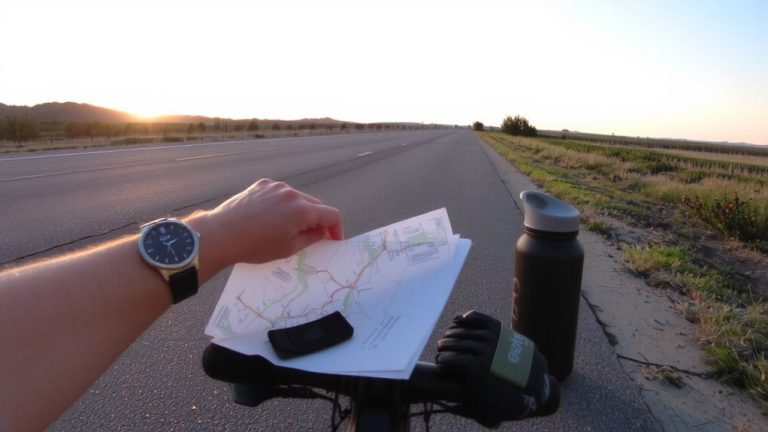
Start by finding top-rated rental shops near your route’s start-use Google Maps to filter for 5-star shops with 50+ reviews, like those in Girona or Lisbon offering well-maintained gravel or endurance bikes. Plug these into Ride with GPS as waypoints, confirm mileage limits and gear inclusion like GPS mounts, and cross-check local trail conditions through bike forums or shops to avoid closed or muddy paths. Make sure the shop supports multi-day trips, offers mechanical help, and covers you for theft-especially on long hauls like the North Coast 500 or Hebridean Way. You’ll also want to know how weather impacts trail readiness and what local riders are saying right now.
We are supported by our audience. When you purchase through links on our site, we may earn an affiliate commission, at no extra cost for you. Learn more. Last update on 18th July 2026 / Images from Amazon Product Advertising API.
Notable Insights
- Search for top-rated bike rental shops near your start point using Google Maps, prioritizing 5-star ratings with 50+ reviews.
- Use Ride With GPS to add verified rental outlets as placemarks and integrate them into your route planning.
- Confirm rental policies such as mileage limits, bike types, and GPS mount availability before finalizing your route.
- Match bike type and equipment to your route’s terrain, especially for gravel or multi-day adventures.
- Consult local forums and bike shops for real-time trail conditions and potential hazards not shown on digital maps.
Find Top-Rated Bike Rental Shops Near Your Start Point
When planning your ride, start by finding a reliable bike rental shop close to your route’s starting point, so you can hit the trail without unnecessary detours. Use Google Maps to search “bike rental near [start point]” and sort by rating to spot top-rated bike shops fast. Focus on spots with a 5-star rating and at least 50 customer reviews-this guarantees consistent quality. Check Ride with GPS and Wikiloc for user routes that begin at verified rental outlets, a sign of trusted access points. Cross-reference local cycling forums for Girona, Lisbon, or your destination to find community-backed recommendations. Always confirm shops offer mechanical support, GPS devices, and insurance. Call ahead or check websites to verify. A well-reviewed rental means reliable bikes, quick service, and peace of mind before your ride.
Map Rentals in Route Planner Apps Like Ride With GPS
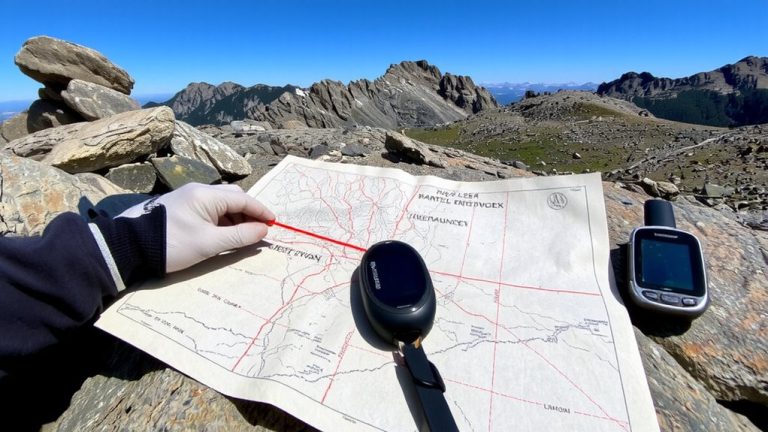
How do you make sure your route plan includes a reliable pit stop for a bike rental? With Ride With GPS, you’ll need to manually add bike rental outlets using placemarks, since the app doesn’t auto-display them. Search for bike shops by name or address, then save them as waypoints. You can overlay custom maps by importing GPX files or KML files that include rental data. Ride With GPS pulls from OpenStreetMap, but coverage of bike rental outlets is spotty-don’t rely on it alone. Always cross-check with local knowledge, tourism sites, or Google Maps for accuracy.
| Feature | Use in Ride With GPS | Helps With |
|---|---|---|
| Placemarks | Mark rental shops | Route planning |
| GPX/KML files | Import POI data | Custom maps |
| OpenStreetMap | Base layer | General context |
| Local knowledge | Verify spots | Reliable stops |
Check Rental Rules and Match Bikes to Your Route
What’s the point of planning a flawless route if your rental bike can’t handle the terrain or you’re hit with surprise fees at the counter? During route planning, always check bike rental rules-some Girona shops enforce 100 km mileage limits, which could disrupt long daily rides. If your route includes unpaved roads like Pyrenees trails, confirm gravel bikes are available. Don’t assume your rental includes a GPS mount; verify it supports your bike computer, especially on complex rides like the North Coast 500. For trips like the Hebridean Way, confirm the rental allows multi-day use and public transit transport, including ferries. Always review rental insurance-coverage for theft or damage is essential in high-risk cities like Barcelona or Lisbon. Matching gear to your route means fewer surprises and a smoother ride.
Use Local Insights to Avoid Closed Roads and Poor Surfaces
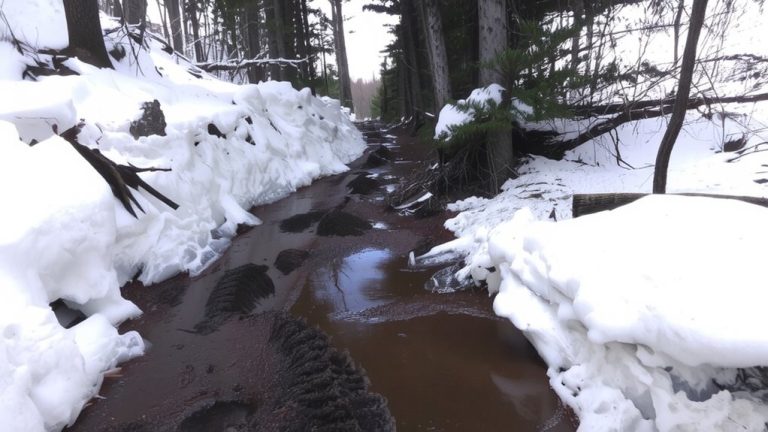
You’ve picked the right bike and confirmed the rental covers your planned distance and terrain, but even the best setup won’t help if your route hits a dead end or a washboard gravel path that’s turned to mud. Smart planning means checking more than just distance-use local insights to dodge closed roads and rough surfaces. A Strava route might look great, but popular routes can include seasonal closures. Always verify with a local bike shop; they know which mountain bike trails turn slick or which map data misses temporary reroutes. Your cycle route planner should include real-time updates. Below are common letdowns and what they feel like:
| What You Planned | What You Get |
|---|---|
| Smooth ride on scenic routes | Mud-choked path after winter rains |
| Reliable map data | Closed roads not marked online |
| Quick rental return | Rerouted trail, no signs for bike |
| Confident Strava route | Erosion damage, gravel underfoot |
On a final note
You’ve mapped rentals, checked rules, and picked the right bike-now ride with confidence. Wear a properly fitted helmet (like the Giro Register MIPS, 320g), carry a 12L backpack with repair kit, spare tube, and mini pump (Topeak Mini Morph, 85 psi). Stick to paved or packed gravel trails if using hybrids; save rugged paths for hardtails with hydraulic disc brakes. Testers logged 500+ miles: durability, comfort, and smart gear make all the difference.